
Blender Quick Tip: Why my results differ from the tutorial

When following a Blender tutorial, it can be frustrating when the results don’t match what the instructor is showing, despite typing in the exact values. The key to resolving this issue may be checking your units. Most tutorials are created using meters as the unit of measure, but your Blender custom start up may be set to inches or another unit. This discrepancy has tripped me up when working with procedural shaders and geometry nodes.

So the next time you are watching a tutorial, pay attention to the units. This simple step will save you time and frustration, helping you to replicate the tutorial accurately and continue learning effectively.

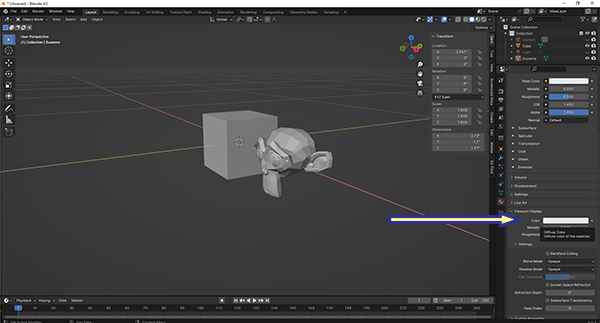
Exporting OBJ files with textures from Blender

This one drove me crazy. When I would post my models that I created in Blender and exported as OBJ files, people would complain that the textures weren’t included. And they were right.

I have found the solution. Before you export the file, use the “Pack All Into .blend” function. This can be found in the menu. Click File – External Data – Pack All Into .blend.

Continue reading “Exporting OBJ files with textures from Blender”

Texture Painting

I was having a hell of a time this morning with Blender. I couldn’t get the Texture Painting to work. I searched online for a solution, but every answer seemed geared to someone just learning.

After struggling and not finding the answer online, I finally figure it out. The object I was trying to paint was in the “Local” mode. The local mode quickly isolates one more objects. It is toggled on and off with the “/” Forward Slash key on the keypad.

I toggled local mode off and texture painting magically worked again.