It started with a handful of empty Altoid tins. I saved them because the fit the Arduino. They seemed liked a good project box and who can’t use a little improvement on their breath?


Stories from my 3D Journey with Blender, Solidworks and 3d printer
It started with a handful of empty Altoid tins. I saved them because the fit the Arduino. They seemed liked a good project box and who can’t use a little improvement on their breath?

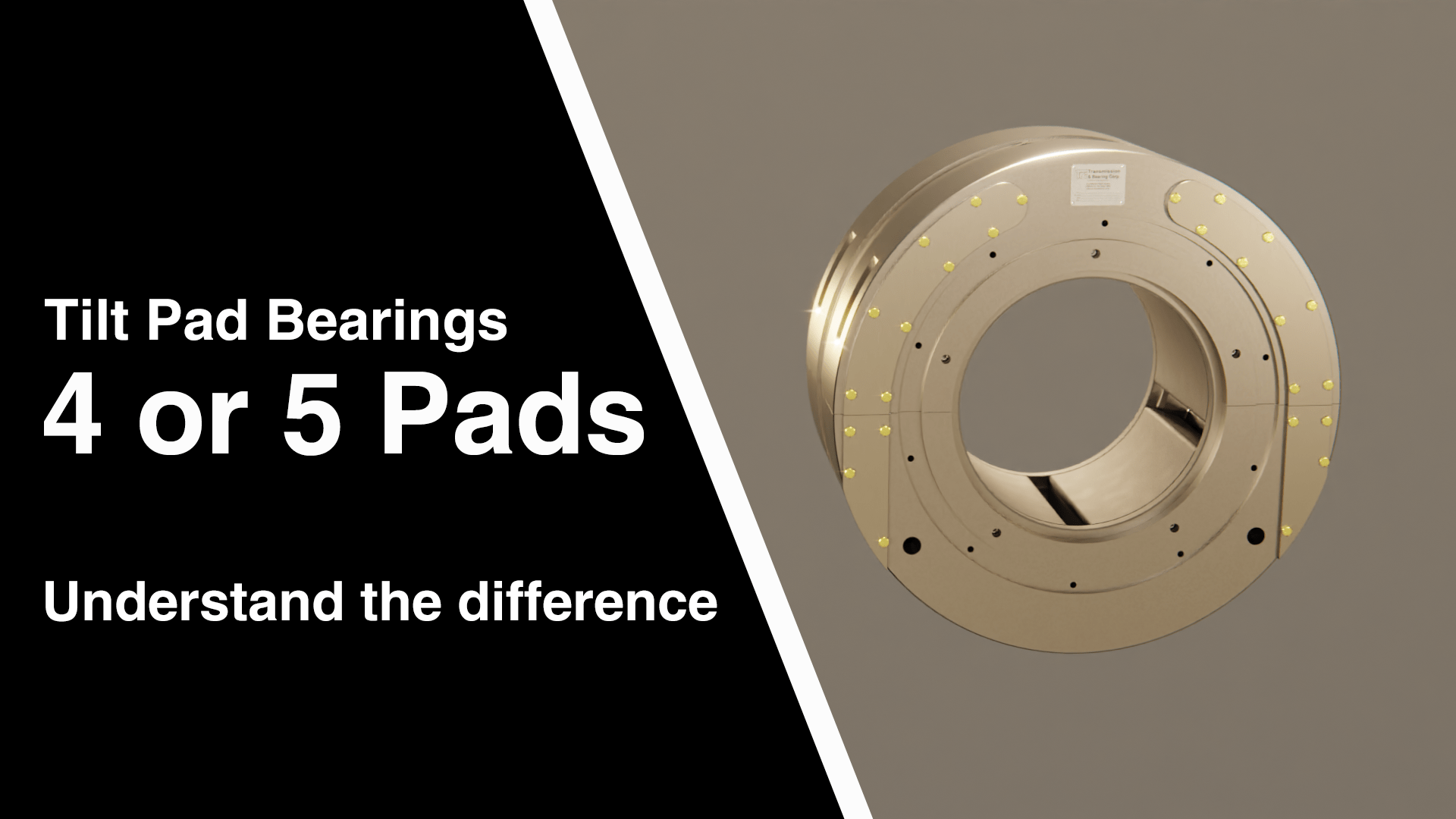
Today I released the 2nd video in a series of four comparing two different tilt pad bearings. Like the previous video, the animations where done in Blender. The sound editing was done in Adobe Audition.
Today I released the 1st video in a series of four comparing two different tilt pad bearings. I created animations and 3D renders for the video in Blender. I also used the Blender Video Sequence editor to put it together.
Continue reading “New Video: Why 5?”When following a Blender tutorial, it can be frustrating when the results don’t match what the instructor is showing, despite typing in the exact values. The key to resolving this issue may be checking your units. Most tutorials are created using meters as the unit of measure, but your Blender custom start up may be set to inches or another unit. This discrepancy has tripped me up when working with procedural shaders and geometry nodes.
So the next time you are watching a tutorial, pay attention to the units. This simple step will save you time and frustration, helping you to replicate the tutorial accurately and continue learning effectively.

A “Build” modified can be used when animating text in the Blender 3D viewport, but it has the drawback of “building” the text from right to left. I prefer the text to be revealed from left to right.

One way to accomplish this is with material node tree.
Continue reading “Blender Tip: Reveal text from left to right”I purchased a set of diamond wheels from Harbor Freight. Spent less than $10. In order to protect my investment, I 3D printed a box to hold the arbor and wheels.
The first iteration held the arbor but I didn’t make a slot at the end of the arbor. This oversight means I would have had to disassemble the wheel from the arbor to put it away. I know me, and I know that means eventually this would keep me from putting the pieces back in the box. I reprinted the box for the final design and released it to Thingiverse this morning.
Link to Thingiverse: https://www.thingiverse.com/thing:6476550
The design was created in Blender and processed for printing with the Prusa Slicer.
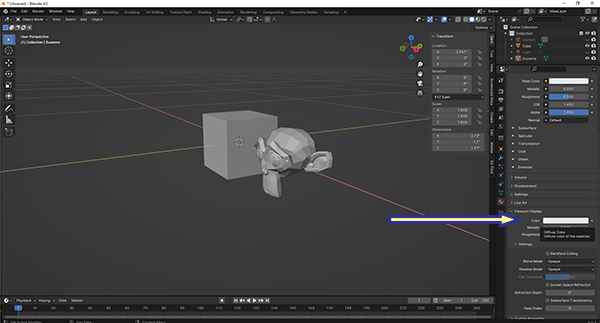
Here is a Blender quick tip for changing the display object transparency:
Select the object
Go to the material panel. If it doesn’t already have a material definition, create a new material.

Expand the Viewport Display panel
Continue reading “Blender Quick Tip: Viewport Alpha”By default, links in the Blender shader editor are straight lines, but did you know that you can change them to be curved like a noodle? This can help you create a more visually appealing and organized shader network, making it easier to see the relationships between nodes.
Here’s a quick tip on how to change the shader links in Blender to be either straight or curved:
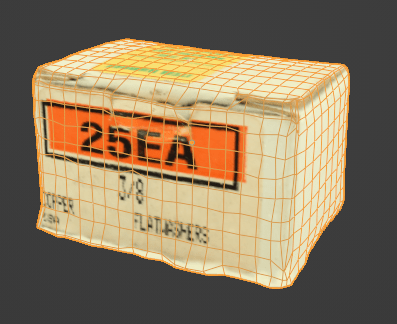
Continue reading “Blender Tip: Noodle Curving”I just spent the last hour in Blender trying to bake a diffuse texture from a model created with photogrammetry to a lo-poly model created in Blender. I checked and double checked every setting. I went back to tutorials that I watched years ago. I looked for new issues that might be caused by the latest version. I finally found the problem.
The software I use for photogrammetry is Zephyr. It outputs the textured models in several formats. The two formats that can be imported into Blender or OBJ and FBX. I chose FBX. I chose poorly.
No matter what I did, I could not bake the texture from the FBX model to a low poly model.
When I went back to Zephyr and exported as OBJ, all my problems went away.
This one drove me crazy. When I would post my models that I created in Blender and exported as OBJ files, people would complain that the textures weren’t included. And they were right.
I have found the solution. Before you export the file, use the “Pack All Into .blend” function. This can be found in the menu. Click File – External Data – Pack All Into .blend.