
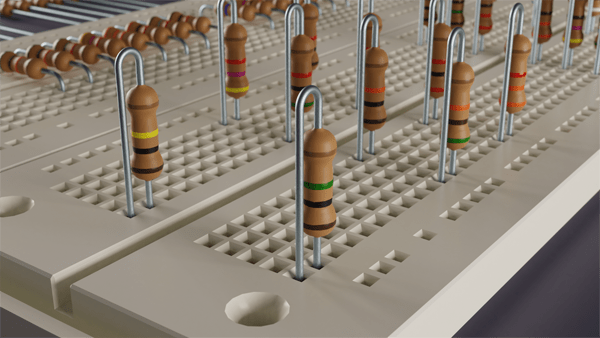
Wasting time is such a waste (duh). Once you have modeled an object, it is great to have a library of part. The question is…how do you organize them in a way that you can find the part you need and easily import the part into you new design.
Today was my first attempt a building a library in Blender. I created a Blend file with 57 different configuration. There are 19 different resistance values (as indicated by the resistor color code) and each resistor is saved in 3 different mesh forms. The first form is straight. The 2nd form has both terminals bent at 90 degrees for horizontal mounting on a breadboard. The 3rd formation has one terminal bent to 180 degrees for vertical mounting on a breadboard. Continue reading “Resistor Collection”
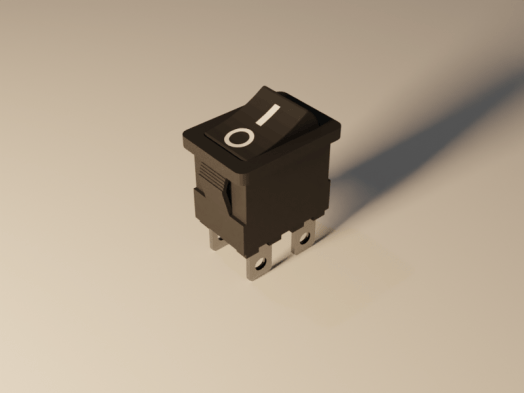 The new noise removal node is not available in 2.80. Go to the Blender download page and scroll to the bottom. Click the “Get Blender Experimental” button and download. You will get an compressed file. I created a new folder (c:\program files\blender\blender2.81) and extracted all the files there. Then just double click the blender.exe file to run.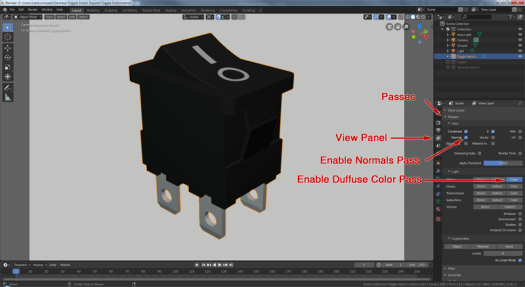
 Simmer3D