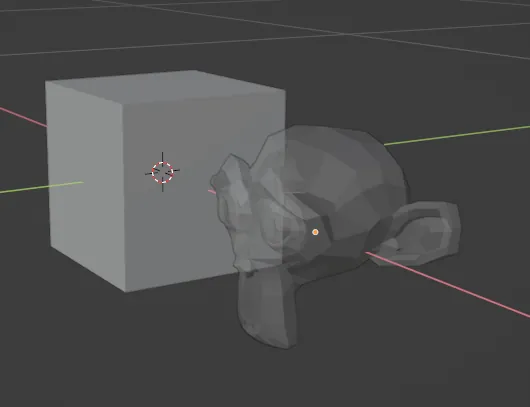
Blender Quick Tip: Viewport Alpha
Make an object see-through in the Blender viewport: open the material's Viewport Display panel, click the color and lower the alpha. Three screenshots.
Here is a Blender quick tip for changing the display object transparency:
Select the object
Go to the material panel. If it doesn’t already have a material definition, create a new material.
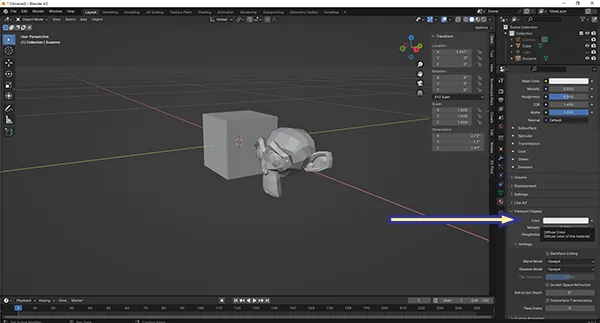
Expand the Viewport Display panel
Click on the color box
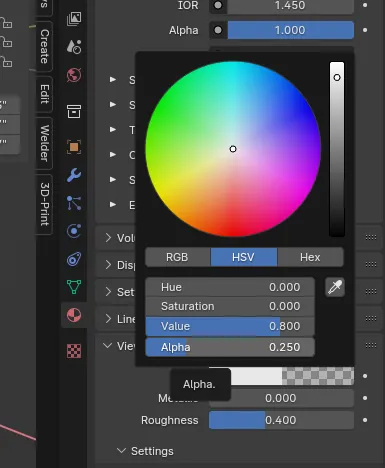
Change the Alpha value. 1 is the default (no transparency) and 0 is fully transparent.